 Fish Eat Fish






Kingdom match

Baseball Bros
Undead Corridor
Savage Defenders

Gold Fishies
Battle of Towers

Fish Eat Getting Big

Stop The Bullet
Zombie Derby 2
How to Play
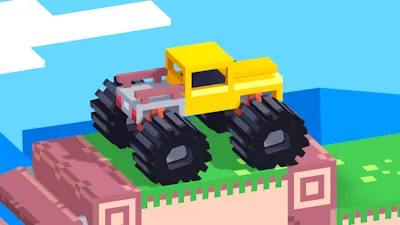
You start with a basic truck, but the main progression happens in the garage. You need to earn coins to unlock eight different vehicles, including the massive Zombie Harvester.
Every upgrade in this survival driving game has a clear purpose. Reinforced bumpers let you push through debris. Bigger engines give you power for steep hills, and roof-mounted guns clear threats from a distance. Upgrading your vehicle directly affects how far you can travel and how many zombies you can clear per run.
Controls
Quick reflexes are necessary to land jumps properly and keep your forward momentum. Here is the control layout for PC players:
| Action | PC Controls |
|---|---|
| Accelerate | W or Up Arrow |
| Balance / Tilt | A/D or Left/Right Arrow |
| Fire Weapons | Spacebar |
| Nitro Boost | Left Shift or N |
Description
Zombie Derby 2 is a survival driving sequel by Brinemedia. Drive across infested highways, crush zombies in your path, and reach the safe zone before you run out of gas.
Pro Tip: Release the gas pedal while in the air to save fuel.
Features
- Diverse Environments: Drive through deserts, ruined cities, and snow.
- Multiple Game Modes: Test your driving skills in Extreme, Halloween, Delivery, and Survival modes.
- Physics-Based Driving: Balance your car during jumps to avoid heavy damage and maintain speed.
Strategy
Do not just buy speed. Always upgrade your fuel capacity and engine first. A fast car is useless if it stops halfway. Also, practice strict ammo management. Do not shoot every zombie. Save your bullets for large explosive barrels and heavy roadblocks that can stop your car completely.